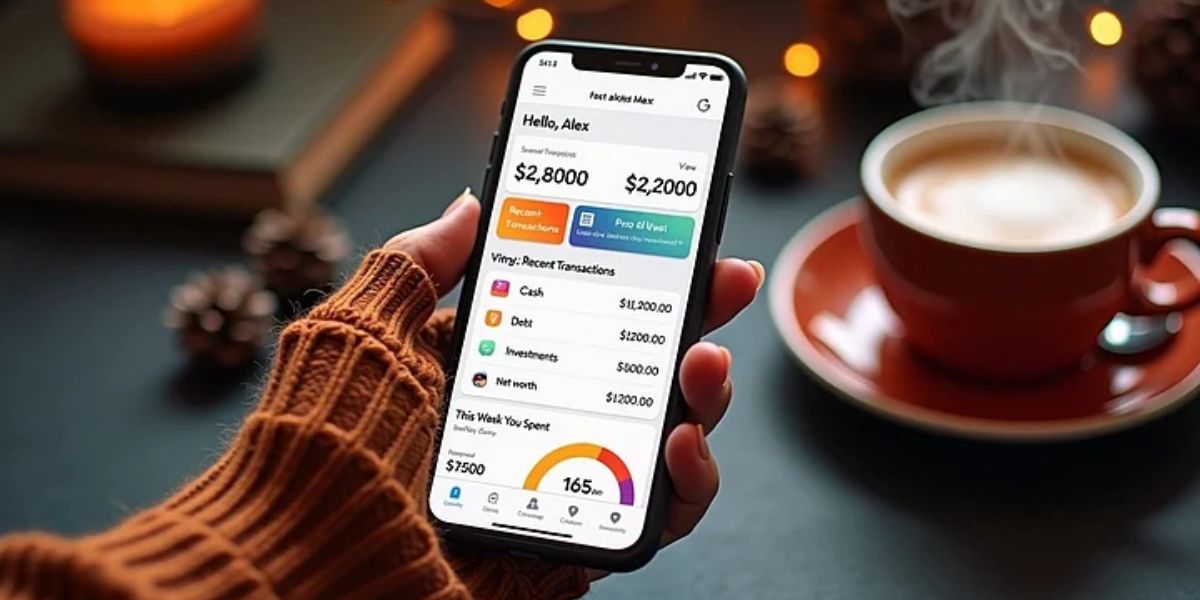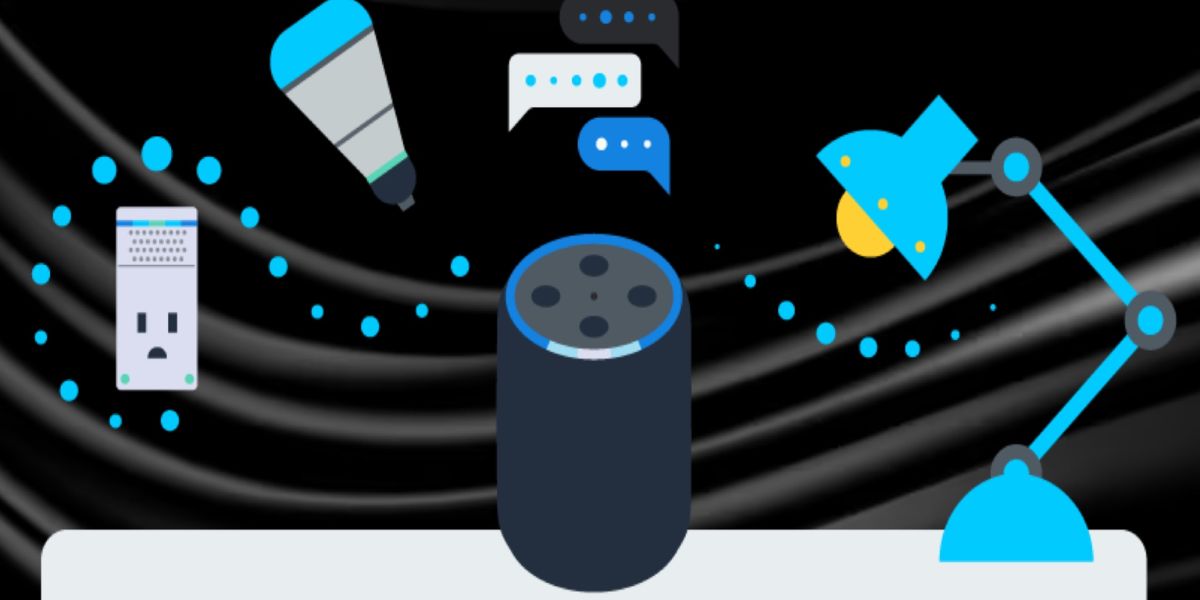
Imagine being able to control your lights, thermostat, and even your coffee maker — all from your phone or with a simple voice command. What once seemed futuristic is now within reach, thanks to the rise of smart home technology. But if you’re new to it, setting up your own smart home system can feel overwhelming. The good news? You don’t need to be a tech expert to make it work. With the right strategy, a few key devices, and a little patience, anyone can build a connected home that’s efficient, secure, and tailored to everyday life.
Understanding What a Smart Home Really Is
A smart home is a setup where everyday appliances and devices are connected to the internet, allowing you to control them remotely or automatically. From adjusting the temperature before you get home to checking security cameras while on vacation, a smart home gives you convenience, control, and peace of mind.
Table of Contents
Tip: Start small. You don’t need to automate your entire house right away. Focus on one area, like lighting or temperature control, and expand gradually as you get comfortable.
Step 1: Choose Your Smart Home Ecosystem
Before buying devices, decide which ecosystem you want to build your smart home around. The three most popular ones are Amazon Alexa, Google Home, and Apple HomeKit. Each has its pros and cons, so choose based on your existing devices and preferences.
- Amazon Alexa works with a wide range of third-party devices and is perfect for voice control enthusiasts.
- Google Home integrates beautifully with Android devices and Google Assistant.
- Apple HomeKit offers strong privacy features and pairs best with Apple products.
Tip: Stick to one ecosystem for better compatibility and smoother automation.
Step 2: Start with Smart Lighting
Smart lighting is one of the easiest and most impactful ways to begin your setup. You can control lights via an app or voice command, set schedules, and even change colours to suit your mood.
Popular options include Philips Hue, LIFX, and Nanoleaf. Many bulbs can connect directly to Wi-Fi, while others may require a hub.
Tip: Use smart plugs for lamps that aren’t compatible with smart bulbs. It’s an inexpensive way to make them part of your system.
Step 3: Add Smart Plugs and Switches
Smart plugs and switches let you control non-smart devices — like fans, kettles, or TVs — remotely. Simply plug them into your existing outlets, connect to your Wi-Fi, and pair them with your smart home app.
Tip: Label each plug in your app for quick access. For example, “Living Room Lamp” or “Coffee Maker.”
Step 4: Invest in a Smart Thermostat
A smart thermostat helps you manage heating and cooling more efficiently. It learns your habits and adjusts automatically to save energy while keeping your home comfortable.
Top-rated models like Google Nest, ecobee, and Honeywell Home not only help you reduce your energy bills but also let you control the temperature from anywhere through your smartphone.
Tip: Make sure your HVAC system is compatible before purchasing a thermostat.
Step 5: Strengthen Your Home Security
Adding smart security devices can give you peace of mind whether you’re home or away. These can include smart doorbells, cameras, and locks.
- Smart Doorbells (like Ring or Arlo) let you see who’s at the door in real time.
- Smart Cameras allow you to monitor different areas of your home.
- Smart Locks let you unlock doors remotely or assign temporary access codes.
Tip: Position cameras near entry points and make sure your Wi-Fi network is secure.
Step 6: Automate Everyday Routines
Once you’ve connected a few devices, you can start creating automations — sequences that happen automatically based on triggers. For example:
- Lights turn off when you leave the house.
- The thermostat lowers at night.
- Coffee starts brewing when your alarm goes off.
Tip: Use your ecosystem’s app to customize “routines” that fit your daily lifestyle.
Step 7: Manage Everything Through One App
Centralizing control is key to a smooth smart home experience. Each ecosystem has a companion app — Alexa, Google Home, or Apple Home — that allows you to monitor all connected devices in one place.
Tip: Keep your firmware updated. Many smart home devices receive regular updates to improve performance and security.
Step 8: Secure Your Smart Home Network
As your home becomes more connected, protecting your Wi-Fi network is crucial. Use strong passwords, enable two-factor authentication, and consider a separate network for smart devices.
Tip: Avoid using default device names and passwords. Hackers can exploit these easily.
Step 9: Expand Gradually
Once your basic setup is running smoothly, you can expand into more advanced devices — like smart blinds, sensors, or home hubs that coordinate everything automatically.
Tip: Only add one new device at a time to make troubleshooting easier if something goes wrong.
Step 10: Enjoy the Comfort and Convenience
A smart home isn’t just about technology — it’s about enhancing your lifestyle. From saving time and money to improving safety, your connected home should make everyday living simpler and more enjoyable.
Tip: Experiment with different automations and settings until you find what works best for your family.
Conclusion
Building your own smart home system doesn’t need to be complicated. By starting small, choosing the right ecosystem, and expanding over time, you can create a home that’s convenient, energy-efficient, and future-ready. Every device you add brings you closer to the ultimate goal — a home that works smarter, not harder.
Call to Action: Have you started building your own smart home yet? Share your experience and favorite gadgets in the comments, and explore more smart living tips on GeckoBlue.org!